
Guests expect WiFi to work, and hosts hear about it quickly when the password is hard to find. The same message often arrives late at night: "What's the WiFi password?"
You can prevent most of those messages with a few simple choices. Give guests a separate network, share the details before arrival, and put the password somewhere they can find without asking.
Create a Dedicated Guest Network
Always set up a separate guest SSID (the WiFi network name) on your router. This isolates guest traffic from your personal devices and gives you better control over access.
Choose a clear, welcoming name like "SunnyVilla_Guest" or "BeachHaven_WiFi". Use WPA2 or WPA3 encryption. Hide your main network if possible.
A dedicated guest network protects your bandwidth and privacy. Guests immediately know which one to pick.
Pick a Password That's Secure and Easy
Balance security with usability. Overly complex passwords cause typos and frustration.
Go for memorable phrases like "WelcomeToParadise2026" or "RelaxAndConnect!". Change it regularly, maybe after each guest or monthly. Skip extremely long strings unless security demands it.
For high-turnover spots, time-limited access via captive portals works if your router supports it.
Deliver the Info Before They Even Ask
The earlier and easier you share credentials, the fewer messages land in your inbox.
Pre-arrival messaging shines here. Slip the SSID and password into your automated booking confirmation, welcome SMS, or check-in instructions. Time it 24 to 48 hours before they arrive.
Simple printed cards help too. Laminate a 4x6 card and stick it on the fridge or near the door.
The easiest option is a WiFi QR code. Guests scan it and connect without typing the password. Put the code on the fridge, near the entrance, or on a printed welcome card.
A digital welcome book
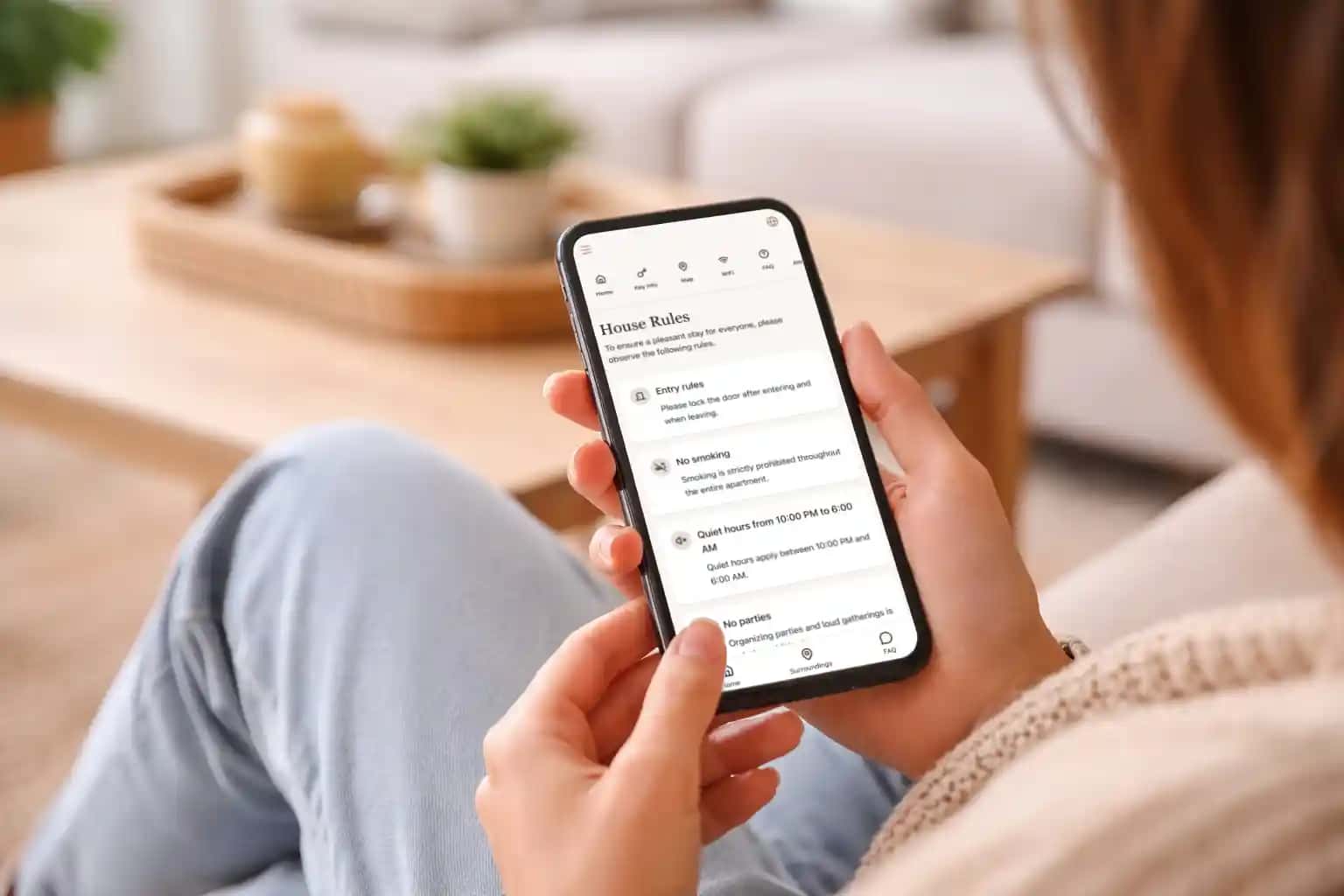
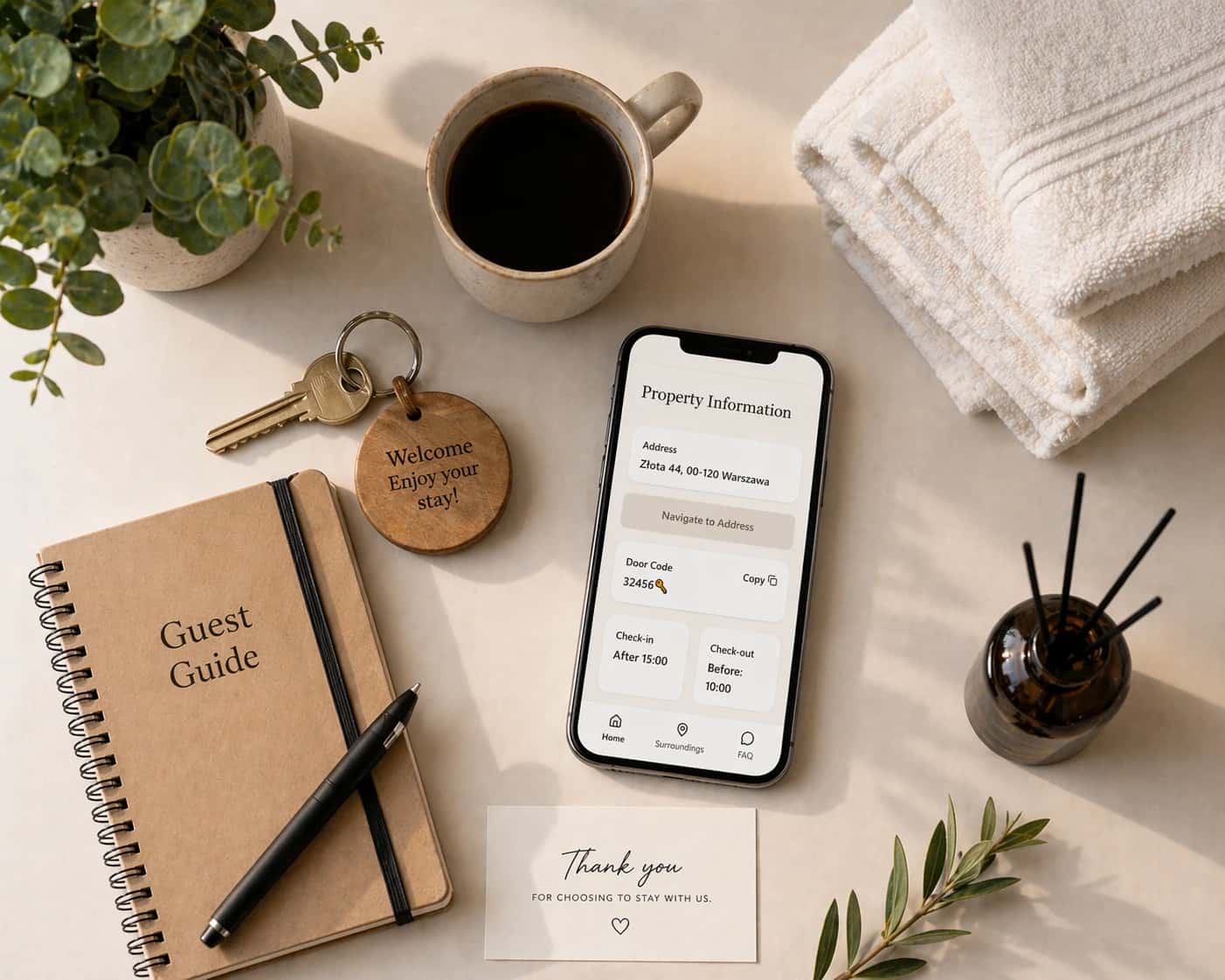
A digital welcome book is a mobile-optimized page or mini-site with everything guests need.
Include the WiFi SSID and QR code right at the top. Add check-in instructions, house rules, trash info, appliance manuals, local tips, and emergency numbers.
Guests get a single link via email or SMS before arrival. Frame a QR code in the entryway or kitchen. They scan once, save it to their phone, and access everything instantly.
Updates take seconds. Password changes? New restaurant recommendations? Edit once and it's done. No reprinting binders or chasing guests with new info.
Add the WiFi details to your digital welcome book, along with a QR code and a short troubleshooting note. Guests can return to it from their phones whenever they need the information.
Extra Tips for Seamless WiFi
Secure the router in a lockbox or hidden spot. Test coverage and speed regularly. Add mesh extenders for bigger homes.
Keep troubleshooting steps handy. Reboot the router. Forget and reconnect to the network. Monitor usage if you have data caps.
What to remember
WiFi should be easy to join and easy to troubleshoot. Use a separate guest network, a password guests can type, and a QR code or digital guide they can return to later.
That small bit of preparation saves repeated messages and makes arrival less stressful.